
There are 2 ways to find the information about your Linux OS.
- Via Settings.
- Open the system Settings using the Show Applications button on the lower left of the main screen.

- Open the Details screen.
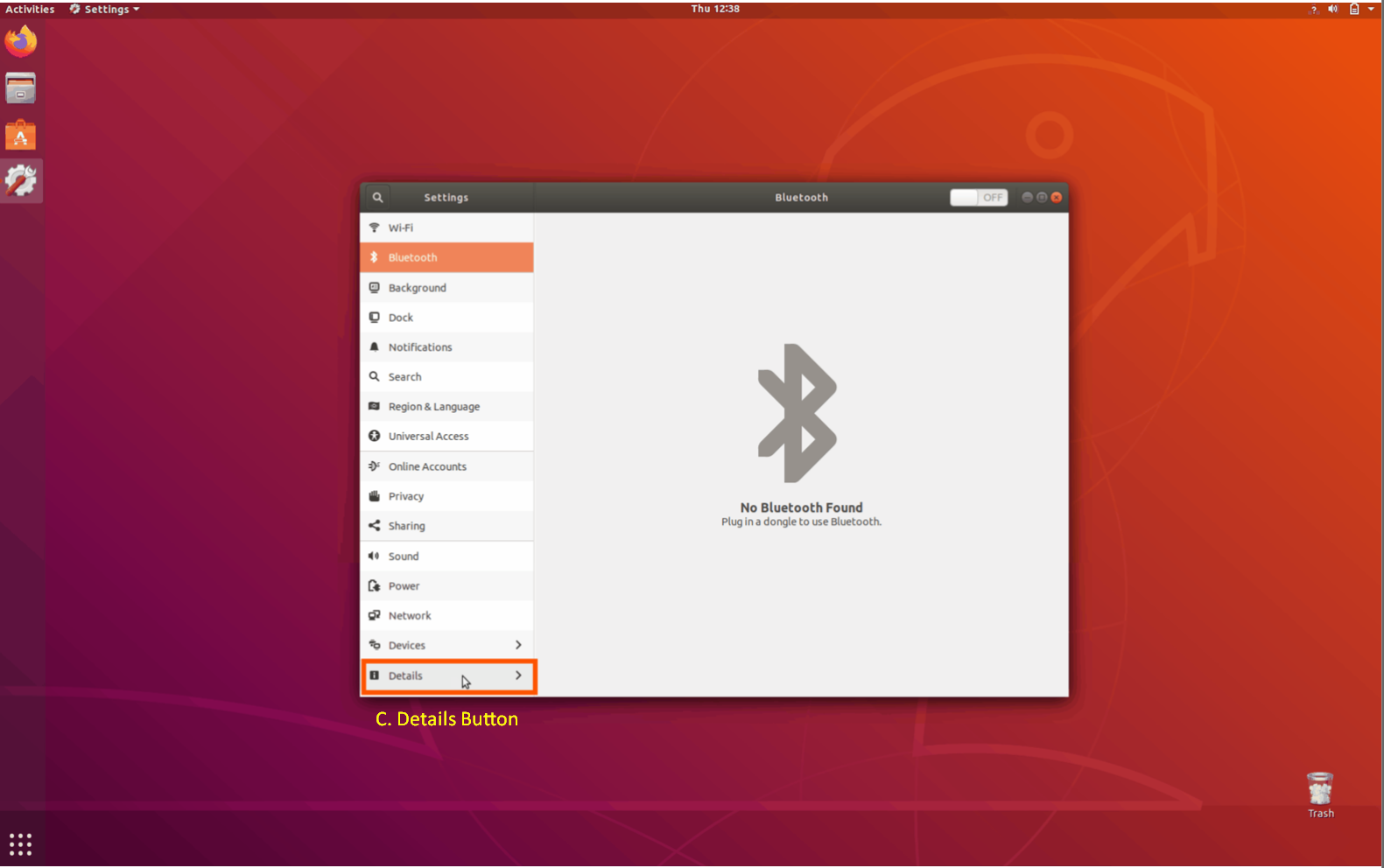
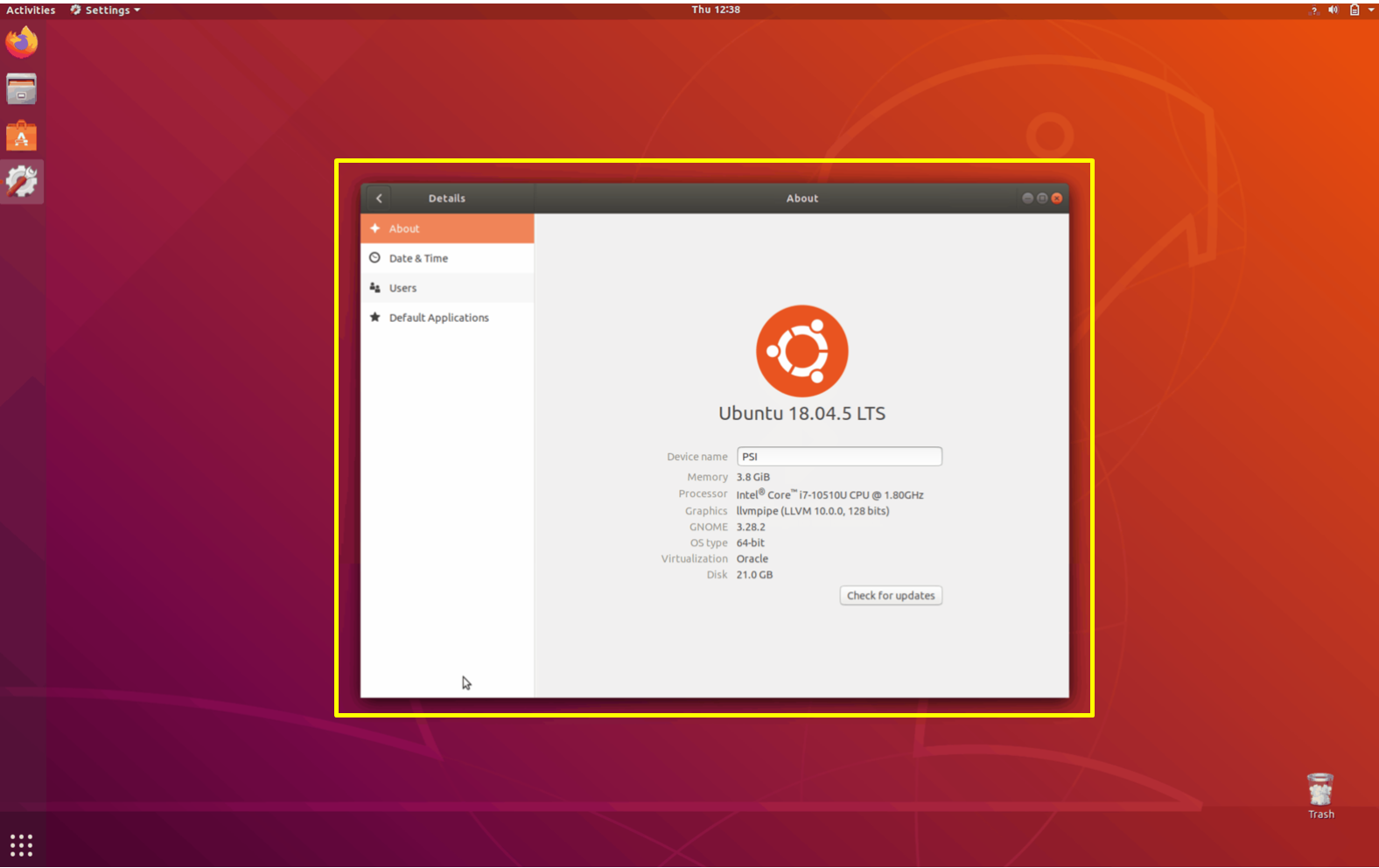
- Open the system Settings using the Show Applications button on the lower left of the main screen.
- Via Terminal.
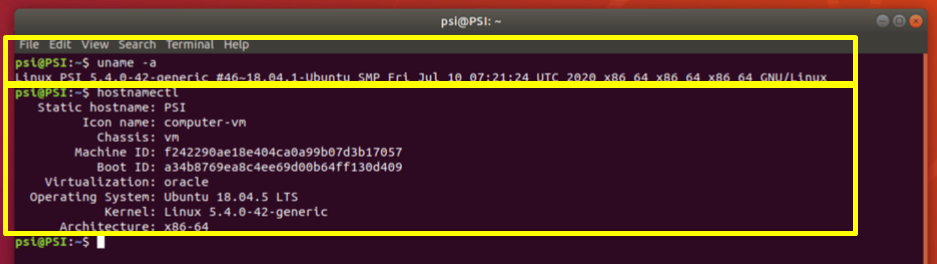
- Open the Terminal screen by pressing CTRL+ALT+T on the keyboard.
- Type command uname -a or hostnamectl
Regards,
PSI Support
Comments
0 comments
Article is closed for comments.